

When the kitchen table becomes a conference room and the bedroom doubles as a brainstorming hub, it’s clear that the traditional house layout is no longer enough. As remote work cements itself as a permanent fixture in many professionals’ lives, the home itself must evolve from a passive backdrop to an active ally. Below is a step‑by‑step guide that transforms ordinary rooms into purpose‑built zones that keep you sharp, comfortable, and energized throughout the workday.
1. Diagnose Your Current Flow
Before you start moving furniture or buying new gadgets, take a moment to map out how you actually use your space. Grab a notebook (or a digital note‑taking app) and answer these questions:
- Where do you spend the most time? Identify your primary work zone, relaxation spot, and any “in‑between” areas where you grab a coffee or stretch.
- What distracts you? Pinpoint noisy appliances, high‑traffic corridors, or visual clutter that pulls your attention away from tasks.
- How do you transition? Notice the rituals—or lack thereof—that signal the start and end of work.
Plotting these observations on a simple floor plan will reveal hidden bottlenecks and opportunities you might otherwise miss.
2. Define Distinct Zones, Not Just Rooms
Instead of treating each room as a monolithic entity, carve out functional zones that serve specific needs:
- Focus Core – A dedicated desk or table with minimal visual noise, optimized lighting, and ergonomic seating.
- Creative Sprint Area – A space that encourages lateral thinking, perhaps a standing desk with a whiteboard or a corner filled with tactile tools.
- Recharge Nook – A low‑light corner with a comfortable chair, a small plant, and a charging station for devices.
- Micro‑Break Hub – A place for quick movement, stretching, or a brief meditation session.
Even a small apartment can host all four zones by using furniture that doubles as storage, folding screens, or movable partitions.
3. Light Up the Right Way
Lighting is the silent workhorse of productivity. Here’s how to wield it strategically:
- Daylight First – Position your main work desk near a window to soak up natural light. If direct sunlight is harsh, use sheer curtains to diffuse it.
- Task Lights – A flexible LED lamp with adjustable color temperature lets you switch from cool blue light (ideal for focus) to warm amber (perfect for late‑day wind‑down).
- Ambient Glow – Soft, indirect lighting in the recharge nook signals a shift from “on” to “off,” helping your brain recognize downtime.
When you need a quick boost of energy, try the Micro‑Movement Magic routine under your desk. A few seconds of movement under bright light can reset your posture and sharpen mental clarity.
4. Sculpt Sound for Concentration
Acoustic comfort doesn’t have to mean absolute silence. Instead, think of sound as a tool you can shape:
- White Noise Machines – Gentle broadband sound can mask unpredictable household noises.
- Soft Music Playlists – Instrumental or low‑tempo tracks keep the brain in a flow state without lyrical distraction.
- Strategic Soft‑Furnishings – Rugs, curtains, and upholstered furniture absorb echo, creating a more intimate acoustic bubble.
By deliberately curating your sonic environment, you transform what could be a chaotic backdrop into a subtle productivity enhancer.
5. Build a Micro‑Break Hub
Long periods of sitting degrade both focus and health. Your micro‑break hub should be a catalyst for short, purposeful movement:
- Standing Desk Segment – A height‑adjustable portion of your desk lets you toggle between sitting and standing.
- Stretch Bands & Balance Tools – Keep a resistance band, a mini‑balance board, or a yoga block within arm’s reach.
- Visual Cue – A bright post‑it or a timer on the wall reminds you to take a 2‑minute reset every hour.
These tiny interventions prevent the “couch‑potato” slump and keep circulation humming, which in turn fuels brainpower.
6. Digital Declutter: Tame the Wi‑Fi Jungle
Every device competes for bandwidth, and a congested network can turn a simple video call into a frustrating pixelated experience. Follow these steps to streamline your digital environment:
- Router Placement – Position your router at the center of the home, preferably elevated, to ensure even signal distribution.
- Device Prioritization – Use Quality of Service (QoS) settings to give your work laptop priority over streaming devices during office hours.
- Separate Networks – Create a guest network for smart home gadgets (lights, speakers) so they don’t hog bandwidth.
- Cable Management – Hide power strips and cables in a cable box or under the desk to reduce visual clutter and potential trip hazards.
When the digital arena is orderly, you’ll notice a smoother flow of information and a calmer mind.
7. Biophilic Touches: Bring Nature Inside
Plants do more than look pretty; they improve air quality, regulate humidity, and have a measurable impact on mood. Here’s how to weave greenery into each zone without turning your home into a jungle:
- Focus Core – A low‑maintenance succulent or a snake plant on the desk adds a splash of green without demanding constant care.
- Creative Sprint Area – A trailing pothos or ivy can drape over a bookshelf, inspiring a sense of growth and fluidity.
- Recharge Nook – A small tabletop fern or peace lily creates a calming micro‑ecosystem for winding down.
Pair plants with natural materials—wooden desk accessories, cork bulletin boards, or woven baskets—to deepen the connection to the outdoors.
8. Energy Flow & Micro‑Habits
Even the best‑designed space can fall flat if daily habits don’t align with its purpose. Integrate micro‑habits that reinforce the zones you’ve created:
- Morning Power‑Up – Begin the day in the Focus Core with a 5‑minute breathing exercise, then review the day’s top three priorities.
- Midday Reset – Use the Micro‑Break Hub for a quick stretch or a walk‑around, followed by a glass of water infused with citrus for a mental lift.
- Afternoon Creative Burst – Shift to the Creative Sprint Area for brainstorming or design work, using a timer (e.g., Pomodoro) to maintain momentum.
- Evening Unplug – Transition to the Recharge Nook at least 30 minutes before bedtime, dimming lights and turning off screens to cue relaxation.
These ritualized transitions train your brain to associate each space with a specific mode, reducing decision fatigue and boosting overall efficiency.
9. Playful Productivity: Gamify Your Tasks
Inject a sense of fun into the workday by treating tasks as levels in a game. The Playful Productivity framework suggests assigning points, badges, or small rewards for completing milestones. For example, after finishing a deep‑focus block, reward yourself with a 5‑minute stretch session in the Micro‑Break Hub. The key is to keep the reward immediate and aligned with well‑being, not just external incentives.
10. Sample Layout for a One‑Bedroom Apartment
Below is a practical illustration of how to allocate zones in a compact living space:
- Living Room – Place a sleek desk near the window (Focus Core) with an adjustable lamp. Add a small bookshelf that doubles as a whiteboard for the Creative Sprint Area.
- Bedroom – Set up a low‑profile daybed with a soft throw in the Recharge Nook, complemented by a floor lamp with a warm hue.
- Kitchen Counter – Use a narrow rolling cart as the Micro‑Break Hub, stocked with a yoga mat, stretch bands, and a water bottle.
- Hallway – Install floating shelves for plants and a discreet charging station to keep cables out of sight.
This arrangement ensures that each activity has a dedicated physical cue, making it easier to slip into the right mindset without mental clutter.
11. Future‑Proofing Your Home
As technology evolves, your remote‑work ready home should be adaptable. Keep these forward‑thinking practices in mind:
- Modular Furniture – Opt for pieces that can be reconfigured as your needs shift, such as desks with interchangeable tops or storage units on wheels.
- Smart Sensors – Simple motion or occupancy sensors can automatically adjust lighting and temperature, creating an environment that responds to your presence.
- Scalable Connectivity – Invest in a mesh Wi‑Fi system that can expand as you add more devices or workstations.
By building flexibility into your design, you’ll stay ahead of the curve and avoid costly overhauls down the line.
Conclusion: Turn Your Home Into a Strategic Asset
Remote work isn’t just a shift in where you sit; it’s a transformation of how your environment supports—or sabotages—your performance. By diagnosing your current flow, carving out purposeful zones, mastering light and sound, and embedding micro‑habits that reinforce each space, you turn the home from a passive backdrop into a strategic asset. The result? A living space that fuels focus, sparks creativity, and restores energy—day after day.

Sanji Patel has dedicated 25 years to the SEO industry. As an expert SEO consultant for news publishers, he emphasizes providing both technical and editorial SEO services to news publishers worldwide. He frequently speaks at conferences and events globally and offers annual guest lectures at local universities.
Related Posts

Everyday Energy Wins: Practical Tips to Slash Home Bills
Learn simple, budget‑friendly strategies to improve home energy efficiency, from sealing drafts to... Read More
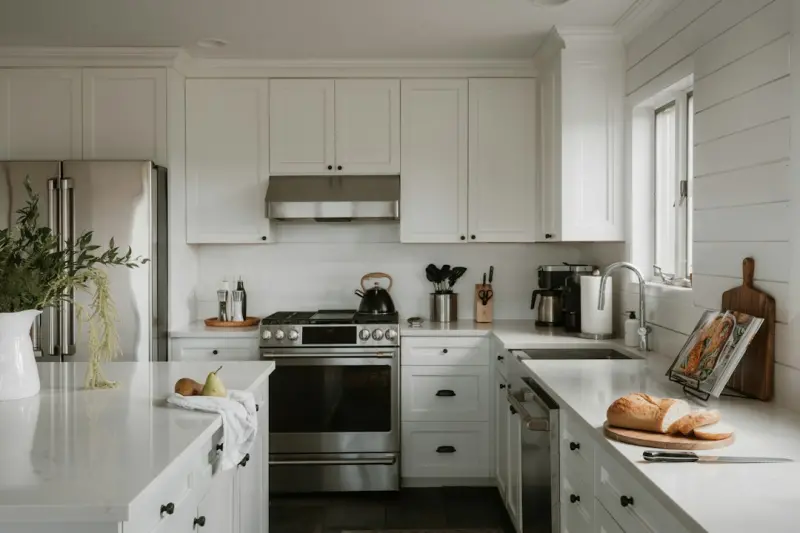
Reimagining Your Kitchen Counter as a Multi‑Purpose Power Hub
Discover how to convert a standard kitchen countertop into a versatile productivity hub using declut... Read More

Turning Your Home into a Sensory Sanctuary: Small Tweaks, Big Comfort
Explore how subtle changes in texture, aroma, lighting, and sound can turn any space into a soothing... Read More
Top Posts
Generative AI as a Catalyst for Inclusive Decision‑Making
Discover how generative AI can serve as a transparent moderator, surfacing under‑represented viewpoints and fostering inclusive decision‑making in distribut...Read More

Turn Your Backyard Into a Pollinator Powerhouse: Step‑by‑Step Blueprint
Discover a hands‑on guide to converting any backyard into a thriving pollinator sanctuary, featuring native plant picks, water‑saving tips, and low‑mainte...Read More
Unlocking Career Growth Through Strategic Internal Mobility
Learn why moving talent inside your organization is the secret to higher engagement, faster innovation, and lasting career growth.---...Read More
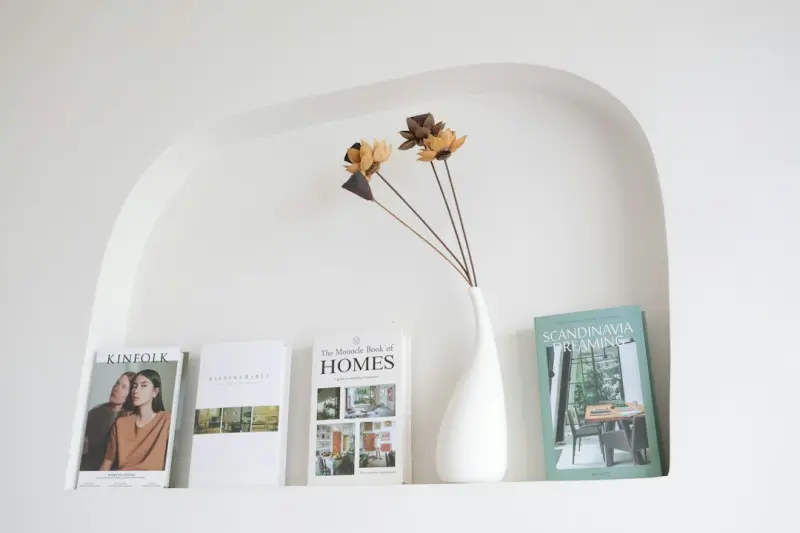
Designing a Personal Recharge Nook: Your Home’s Secret Power‑Up Spot
A recharge nook is a curated micro‑space that resets your mind and body. Learn how to pick the perfect spot, add light, scent, and tech, and embed daily ritua...Read More
0 Comments
Post Comment
You will need to Login or Register to comment on this post!